

A web address works like a front door. Most people knock, glance at the lobby, and leave. Pros walk around the whole house.
Picture a sales rep who scrolls to the footer of a prospect’s site. There’s a small banner: “We’re hiring 12 data engineers.” That one line changes the pitch. The rep stops selling a generic analytics tool and starts talking about scaling a brand-new data team.
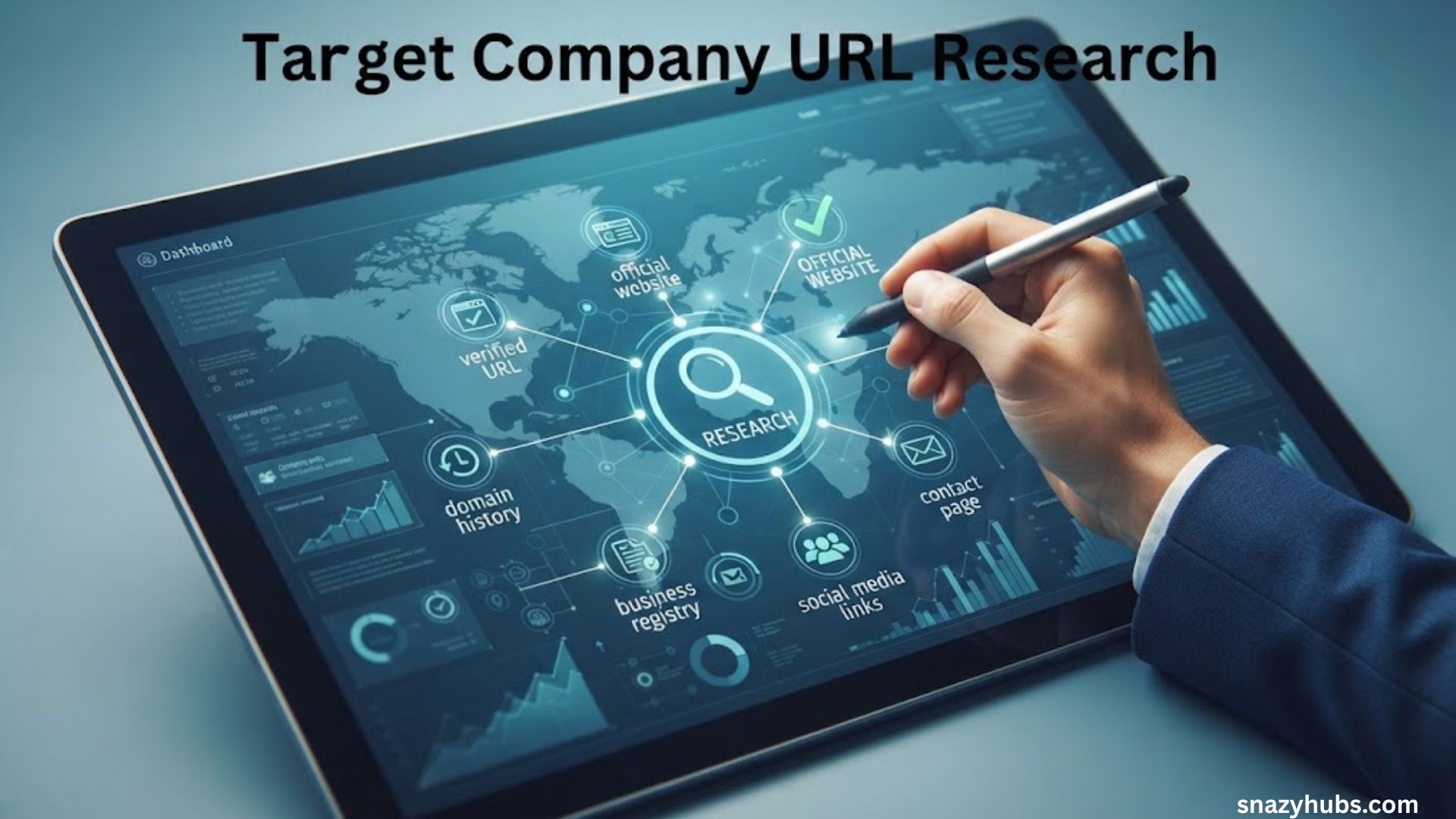
That’s the power of target company url research. You start with nothing but a domain name. Then you peel back layers: the site itself, the domain’s history, the software underneath, the traffic behind it, and the public records that surround it. This guide gives you a repeatable eight-part process, a tool table, and a one-page brief template. Set aside 30 minutes for the full pass or 10 for the express version.
The eight parts at a glance:
- Read the website like a detective
- Dig into the domain itself
- Uncover the tech stack
- Size up traffic and search visibility
- Check public records, funding, and news
- Map the people and hiring signals
- Check reputation and customer voice
- Connect the dots into a one-page brief
What Is Target Company URL Research (and Who Needs It)?
Target company url research means studying a business through its website address. You pull clues from the site, the domain, the code, and public databases. Then you turn those clues into a decision.
Who uses it? Almost anyone who needs to size up a company fast. The goal changes by role, but the starting point stays the same.
| Role | What they want from the URL |
|---|---|
| Sales rep | Buying signals, tech stack, decision-makers |
| Marketer | Traffic sources, keywords, content gaps |
| Recruiter | Growth stage, team size, culture clues |
| Investor or analyst | Legal entity, funding, traction |
| Job seeker | Stability, reputation, hiring patterns |
| Founder | Competitor positioning, pricing, weak spots |
Notice the pattern. Each role asks a different question of the same web address. So before you open a single tool, pick your question.
Before You Start: Set a Goal and Build Your Tracking Sheet
Random clicking eats an afternoon. A clear goal saves it.
Write down the one question you’re answering. It might be “Is this company a good fit for our product?” or “Where is this competitor weak?” or “Is this employer stable?” Everything you collect should feed that answer. If a fact doesn’t help, skip it.
Next, open a simple spreadsheet. Use one row per company and these columns:
| Column | What goes in it |
|---|---|
| Company name and domain | The brand and the exact URL |
| Legal entity | The registered business name |
| Domain age | Creation date from registration data |
| Tech stack | Key platforms and tools detected |
| Traffic estimate | Monthly visits and top sources |
| Key people | Names, titles, and profile links |
| Red flags | Anything that gives you pause |
| Next action | What you’ll do with the findings |
Stick to public information throughout. That keeps your process clean and defensible.
Read the Website Like a Detective
The company’s own site gives up more than you’d expect. It just doesn’t announce it. You have to know where to look.
The Pages Worth Your Time
Start with a quick tour of these pages:
- About: Founding story, mission, and team size
- Careers: Open roles, locations, and tools mentioned
- Pricing: Target customer and business model
- Customers: Logos, case studies, and industries served
- Press or newsroom: Announcements, awards, and partnerships
- Blog: Priorities, product launches, and tone
- Investors: Filings and financial reports for public companies
Pricing pages deserve extra attention. Per-seat pricing suggests team software. Usage-based pricing suggests developers or high-volume buyers. A “Contact sales” button with no price usually means enterprise deals.
The Footer and Legal Pages
Scroll down. The footer is where companies bury useful details. Terms of service and privacy policies often name the registered legal entity and its mailing address. That name matters because brand names and legal names rarely match. You’ll need the legal name later for registry searches.
The Technical Back Doors
Two plain files can reveal how a site is organized. Add these to the end of the domain:
- /sitemap.xml lists the pages the company wants search engines to find. Look for sections you’d never spot by clicking around, such as regional pages or unlaunched product pages.
- /robots.txt tells crawlers which folders to skip. Blocked folders sometimes hint at admin areas or staging content.
Not every site has both. When one exists, it takes about ten seconds to check.
Google Operators That Dig Deeper
A few search commands turn Google into a site-specific search engine:
| Search | What it finds |
|---|---|
site:targetcompany.com "press release" | Announcements across the whole domain |
site:targetcompany.com filetype:pdf | Whitepapers, decks, and reports |
site:targetcompany.com inurl:careers | Job pages and hiring pages |
site:targetcompany.com intitle:pricing | Pricing pages, including old ones |
Pro tip: PDFs often hold the good stuff. Investor decks, product sheets, and case studies tend to hide there.
Dig Into the Domain Itself
Every domain leaves a paper trail. Following it takes only a few minutes.
Registration Data
Head to ICANN Lookup to check the registrar and creation date. Here’s a fact that trips up many researchers. As of January 28, 2025, the Registration Data Access Protocol (RDAP) replaced the old WHOIS services as the definitive source for generic top-level domain registration data. The tool you use now runs on RDAP.
Don’t expect a name and phone number. Most owner details appear redacted because of privacy rules. That’s normal and doesn’t signal anything shady. The creation date is the real prize.
Here’s how to read it:
- Domain over 10 years old: Established brand or long-running operation
- Domain under one year old: New company, rebrand, or possibly a look-alike site
- Recent registrar change: Possible acquisition or a move to new IT management
Site History
The Wayback Machine shows how a site looked in the past. It’s a treasure chest. The archive holds more than a trillion web pages and adds over a billion URLs a day on average.
Pull up old versions of the pricing page. Compare the homepage from three years ago to today’s. You’ll see shifts in positioning, dropped products, and abandoned markets. A company that once bragged about “small business software” and now says “enterprise platform” has moved upmarket.
DNS Clues
DNS records sound technical but they’re easy to read with a free lookup tool:
- MX records show the email provider. A record pointing to Google servers suggests Google Workspace. One pointing to Outlook servers suggests Microsoft 365.
- TXT records often contain verification strings that software vendors require. Those strings can hint at the marketing, support, and security tools in use.
Hidden Subdomains
Companies run more than one site. Certificate transparency logs record the security certificates issued for a domain. Search the domain on crt.sh and you may find staging sites, regional portals, and customer login pages. Names like “app,” “dev,” or “partners” tell you how the business actually operates.
Uncover the Tech Stack With Company URL Research Tools
Software choices reveal budget, maturity, and priorities. A company’s stack works like a résumé for its operations.
The Best Detection Tools
BuiltWith and Wappalyzer scan a site and list the technologies behind it. Expect results across categories such as e-commerce platforms, analytics, advertising pixels, chat widgets, and content management systems. Free access exists on both but limits change often. Check each site for current terms.
The DIY Method
No budget? Right-click any page and choose “View page source.” Search for terms like “analytics,” “pixel,” or “cdn.” You can also open your browser’s developer tools and check the Network tab. It’s less polished than a paid scan but it works.
How to Read the Results
Context matters. Consider these pairings:
| Stack pattern | What it may suggest |
|---|---|
| Shopify plus an email tool built for online stores | Direct-to-consumer brand |
| Salesforce plus an enterprise marketing platform | Larger sales team and bigger budget |
| A custom framework plus developer-focused analytics | Product-led, technical audience |
| Outdated CMS with no analytics | Low digital investment |
A quick warning: detection tools make educated guesses. Confirm anything important before you mention it to the prospect.
Size Up Traffic and Search Visibility
Traffic shows whether a company is thriving or coasting. It also shows how people find the business.
Traffic Estimates
Similarweb provides estimated visits, traffic sources, and top countries. Here are the numbers worth noting:
- Total monthly visits: Rough scale of the audience
- Traffic mix: Direct, organic search, paid, social, and referral shares
- Top countries: Where the customers really live
- Trend line: Growth, decline, or seasonal swings
The SEO Snapshot
Free tiers from platforms like Ahrefs and Semrush can show top keywords and backlinks. Free limits shift regularly so verify what’s included before you plan around them.
What to Look For
- Sudden drops: May point to a penalty, a botched redesign, or lost campaigns
- Paid-heavy traffic: Suggests dependence on ad spend
- Thin content: Shows a gap you could exploit
- Overlap with competitors: Reveals who they really fight for attention
Treat third-party traffic data as a direction rather than a fact. It’s modeled from samples. A 300,000 visit estimate might really be 220,000 or 380,000.
Go Beyond the Website With Public Records and Funding Data
The URL gets you started. Public records finish the job.
Business Registries
OpenCorporates aggregates company registrations from many jurisdictions. Search using the legal entity name from the footer. You’ll find incorporation dates, registered addresses, and sometimes officers.
Public Company Filings
For publicly traded firms, SEC EDGAR is the gold mine. Three filings matter most:
| Filing | What it covers |
|---|---|
| 10-K | Annual report with financials, risks, and strategy |
| 10-Q | Quarterly update |
| 8-K | Major events such as leadership changes or acquisitions |
Risk factor sections in a 10-K often say plainly what worries management.
Funding and Firmographics
Crunchbase tracks funding rounds and investors. LinkedIn company pages show headcount, growth, and locations. Compare both against the About page. Inconsistencies deserve a second look.
News Monitoring
Set up free Google Alerts for the company name and the domain. You’ll get new mentions by email. That’s a low-effort way to catch layoffs, launches, and lawsuits.
One tip saves headaches. Match the legal entity against registries so you don’t confuse look-alike companies with the real one.
Map the People and the Hiring Signals
Job posts work like a company diary. They show what leaders plan to build next.
Start with the leadership page. Then compare it with LinkedIn. Companies sometimes list executives who left months ago. LinkedIn tends to reflect reality faster.
Read open job listings closely. They reveal:
- Tools they use: “Experience with Snowflake” tells you the data stack
- Growth areas: Five new sales roles means a push for revenue
- New locations: Roles in a new city suggest expansion
- Pain points: “Fix and modernize legacy systems” says plenty
Here’s an example. Three open “compliance manager” roles at a fintech startup could signal a regulatory push. A vendor selling audit software would want to know that.
Finally, identify likely stakeholders by function. Look for the head of the department your product serves. Then look at who they report to.
Check Reputation and Customer Voice
Customers say what marketing pages never will.
Browse G2 for software reviews and Trustpilot for consumer brands. Check Glassdoor for employee views. Then search Reddit and industry forums for unfiltered opinions.
Don’t overreact to any single review. Angry rants and glowing raves both skew results. Look for patterns instead:
- Repeated complaints: The same issue in many reviews is real
- Sudden review spikes: May signal a campaign or fake reviews
- Turnover mentions: Frequent “constant reorganizations” comments suggest instability
- How the company responds: Thoughtful replies show a healthy culture
Connect the Dots Into a One-Page Brief
Raw data is a pile of bricks. A brief is the wall.
Use this simple template:
| Section | Question it answers |
|---|---|
| Snapshot | Who are they and what do they do? |
| Strengths | What are they doing well? |
| Weaknesses | Where do they struggle? |
| Opportunities | Where could we help or compete? |
| Risks | What could go wrong? |
| Next step | What’s the single best action? |
Case Study: Trailhead Outfitters (Illustrative Example)
To show the whole process, here’s a fictional walkthrough. Trailhead Outfitters is an imaginary online outdoor gear retailer. All findings below are made up for demonstration.
| Step | Sample finding |
|---|---|
| Website | Footer names “Trailhead Retail Group LLC” as the legal entity |
| Domain | Registered in 2014 with a major redesign visible in archives from last year |
| Tech stack | Shopify, an email tool for stores, and a review widget |
| Traffic | Roughly half of visits from paid ads |
| Records | Registry shows a second LLC opened in Canada |
| People | Careers page lists three open roles for a Canadian fulfillment team |
| Reputation | Customers love the products but complain about slow shipping |
The brief’s conclusion: Trailhead is expanding into Canada but struggles with delivery times. A logistics vendor could pitch faster cross-border shipping and open with the reviews. That pitch feels informed rather than generic.
In short, the URL led to a specific and timely angle within about 30 minutes.
Best Tools for Target Company URL Research at a Glance
| Tool | Best for | Free option? |
|---|---|---|
| ICANN Lookup | Domain registration data | Free |
| Wayback Machine | Site history | Free |
| crt.sh | Hidden subdomains | Free |
| BuiltWith | Tech stack detection | Limited free lookups |
| Wappalyzer | Tech stack in your browser | Limited free access |
| Similarweb | Traffic estimates | Limited free view |
| OpenCorporates | Business registrations | Free search |
| SEC EDGAR | Public company filings | Free |
| Crunchbase | Funding data | Limited free view |
| Google Alerts | News monitoring | Free |
| G2 and Trustpilot | Customer reviews | Free to browse |
Prices and free limits change often. Confirm details on each site before you commit.
The 30-Minute Workflow (and the 10-Minute Express Version)
Nobody has three hours per prospect. Use this timed checklist instead.
| Task | Full pass | Express |
|---|---|---|
| Website tour and legal entity | 6 minutes | 3 minutes |
| Domain and site history | 5 minutes | Skip |
| Tech stack scan | 4 minutes | 2 minutes |
| Traffic and SEO check | 4 minutes | Skip |
| Registries, filings, and funding | 4 minutes | Skip |
| News search and LinkedIn check | 3 minutes | 3 minutes |
| Reviews and reputation | 2 minutes | 2 minutes |
| Write the brief | 2 minutes | Skip |
The express version fits between meetings. Run it on any company before a call and you’ll walk in prepared.
Doing this weekly? Build a template spreadsheet and duplicate it for each company. Repeatable research gets faster every time.
Common Mistakes to Avoid
- Trusting outdated pages. Check copyright years and blog dates. Confirm with a fresh source.
- Confusing similar names. Match the legal entity and address before you record anything.
- Ignoring subdomains and country sites. Check regional versions since they may tell a different story.
- Collecting data with no decision attached. Return to your goal question often.
- Treating estimates as facts. Label traffic and tech stack data as “estimated” in your notes.
Legal and Ethical Guardrails
Keep it simple. Use public sources only. Respect privacy laws when you store personal details such as names and emails. Don’t scrape sites that forbid it in their terms of service. And if a tool asks you to bypass a login, walk away.
FAQ About Company URL Research
Can I find who owns a website from its URL?
Sometimes. Registration lookups often hide owner names for privacy. However, the site’s legal pages, business registries, and filings usually reveal the operating company. Combine those sources instead of relying on one record.
Is domain research legal?
Yes. Looking up public registration data, archived pages, and business filings is legal in most places. Problems start when you scrape restricted sites, bypass logins, or misuse personal data. When in doubt, check the terms of the source.
What’s the best free tool to research a company website?
No single tool wins. A strong free combination is ICANN Lookup for domain data, the Wayback Machine for history, and Google search operators for deep pages. Add SEC EDGAR when the company is public.
How accurate are traffic estimates?
They’re directional. Third-party platforms model visits from samples rather than measuring them directly. Small sites often show the widest errors. Use estimates to compare trends and channels but never quote them as exact numbers.
How do I find a company’s tech stack without paid software?
Use a free browser extension or check the page source manually. Look at DNS records for email providers and read job posts for tool names. Together, those clues cover most of the picture.
How long should company research take?
A full pass takes about 30 minutes. A quick version takes 10. Spend longer only when the stakes rise, such as a large deal or an investment.
Wrap Up: Turn a Web Address Into a Winning Advantage
Remember that front door? You now know how to walk the whole property. Read the site. Trace the domain. Scan the tech. Check traffic, records, people, and reviews. Then boil everything into one page.
The best part is how fast it gets. Try the 10-minute version on a single company today. Once you see how much one URL can tell you, target company url research will become a habit you won’t want to skip.
